
Schema Markup for Small Business: A Guide
By Rome Thorndike
What Schema Markup Does
Schema markup is structured data you add to your HTML that tells search engines what your content means, not just what it says. It uses a vocabulary from Schema.org to label entities: this is a business, this is a FAQ, this is a blog article, this is a breadcrumb trail.
Google uses schema markup to generate rich results: enhanced search listings with ratings, prices, FAQ dropdowns, breadcrumbs, and other visual elements. Rich results get higher click-through rates than standard blue links. Pages with FAQ schema can occupy 2-3x more vertical space in search results, pushing competitors below the fold.
Schema does not directly improve rankings. But it improves how your listing appears in results, which increases clicks. More clicks signal relevance to Google, which indirectly helps rankings over time. A 2023 study by Milestone Research found that pages with schema markup earned 40% more clicks than pages without it in the same position.
The Essential Types for Small Business
Organization or LocalBusiness. Goes on your homepage. Tells Google your business name, address, phone number, logo, social profiles, and service area. This feeds your Knowledge Panel and local search results. For service-area businesses (plumbers, electricians, cleaning companies), use ServiceArea within LocalBusiness to define geographic coverage.
BreadcrumbList. Goes on every interior page. Shows the page's position in your site hierarchy: Home > Services > Web Design. Google displays breadcrumbs in search results, making your listing more navigable and giving searchers context before they click.
FAQPage. Goes on any page with FAQ sections. Each question-answer pair appears as expandable dropdowns in search results. This can double the visual size of your search listing and push competitors below the fold. Google has tightened eligibility for FAQ rich results, but they still appear for many business sites.
Article or BlogPosting. Goes on blog posts. Includes headline, author, publish date, and description. Helps Google understand your content as editorial content and may enable article-specific rich results.
Service. Goes on service pages. Describes the service name, description, provider, and area served. Helps Google match your pages to service-related search queries. Include areaServed and priceRange properties for local businesses.
Product and Review. If you sell products or display customer reviews, these types trigger star ratings and price information in search results. Star ratings in search listings increase CTR by 15-25% based on data from multiple ecommerce studies.
How to Add Schema Markup
Schema is added as JSON-LD (JavaScript Object Notation for Linked Data) in a <script type="application/ld+json"> tag in the page's head or body. This is the format Google recommends.
Example for a LocalBusiness:
{"@context": "https://schema.org", "@type": "LocalBusiness", "name": "Your Business", "address": {"@type": "PostalAddress", "streetAddress": "123 Main St", "addressLocality": "City", "addressRegion": "ST"}, "telephone": "555-0100"}
For WordPress, plugins like Yoast or Rank Math generate basic schema. For static sites, schema is part of the build template: every page gets the right schema type during generation. No plugin overhead, no conflicts between multiple schema plugins.
Validate your schema using Google's Rich Results Test. Enter your URL and it shows what structured data Google can read and whether it qualifies for rich results. Run this test after every schema change to catch errors before Google indexes the page.
Common Schema Mistakes to Avoid
Marking up invisible content. Google requires that schema markup matches content visible on the page. Adding FAQ schema for questions that do not appear on the page violates guidelines and can trigger a manual penalty.
Using outdated Microdata format. Some older guides recommend Microdata (HTML attributes like itemscope and itemprop). JSON-LD is easier to implement, easier to debug, and the format Google prefers. Migrate any existing Microdata to JSON-LD.
Duplicate or conflicting schema. WordPress sites with both Yoast and Rank Math installed often output duplicate Organization schema. Two conflicting schema blocks confuse Google. Audit your pages with the Rich Results Test to ensure one clean schema block per type.
Missing required properties. Each schema type has required and recommended properties. A LocalBusiness without address or an Article without author will not generate rich results. Check the Google structured data documentation for required fields per type.
Measuring Schema Impact
After implementing schema, track two things in Google Search Console:
Rich result impressions. Go to Performance > Search Appearance. Filter by rich result types (FAQ, breadcrumb, etc.). You should see rich result impressions within 2-4 weeks of implementation as Google recrawls your pages.
CTR changes. Compare click-through rates before and after schema implementation for the same pages. Pages with FAQ rich results typically see 15-30% CTR increases. Breadcrumb schema improvements are smaller (5-10%) but apply to every page on the site.
If you are not seeing rich results after 4 weeks, revalidate with the Rich Results Test. Common causes: schema errors, content that does not meet Google's quality guidelines, or pages not yet recrawled. Requesting indexing in Search Console can speed up the process.
For a deeper look at how schema fits into your overall search strategy, see our topical authority guide, which covers how structured content and internal linking amplify schema benefits.
Get Schema on Your Site
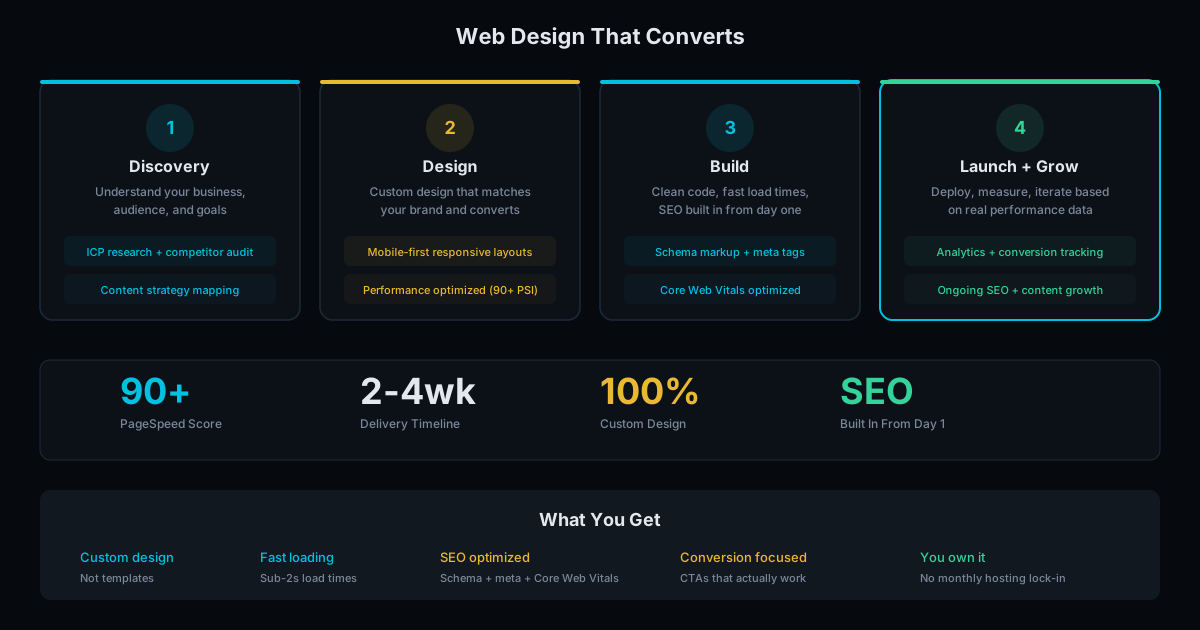
Every site we build includes full schema markup as standard: Organization/LocalBusiness, BreadcrumbList, FAQPage, and Article schema where applicable. It is not an add-on or upsell. It is part of the build.
If your current site has no schema (check with the Rich Results Test), our SEO service can add it. Schema implementation is included in SEO audits starting at $500. See our pricing page for full details, or contact us for a full build that includes schema from the start.
Frequently Asked Questions
Does schema markup improve rankings?
Not directly. Schema does not boost rankings by itself. But it enables rich results (FAQ dropdowns, breadcrumbs, ratings) that increase click-through rates. Higher CTR signals relevance to Google, which can improve rankings indirectly over time.
How do I check if my site has schema?
Enter your URL in Google's Rich Results Test (search.google.com/test/rich-results). It shows all structured data Google can read. If the result is empty, your site has no schema markup.
Can I add schema to a WordPress site without a plugin?
Yes. Add a JSON-LD script tag to your theme's header.php or use a custom HTML widget. But for most WordPress users, Yoast or Rank Math handle basic schema automatically. The limitation is that plugins only add generic schema. Custom types like Service or FAQPage often need manual implementation.
Ready to Fill Your Next Event?
We build the page, set up the pixels, and run the ads. You run the event.